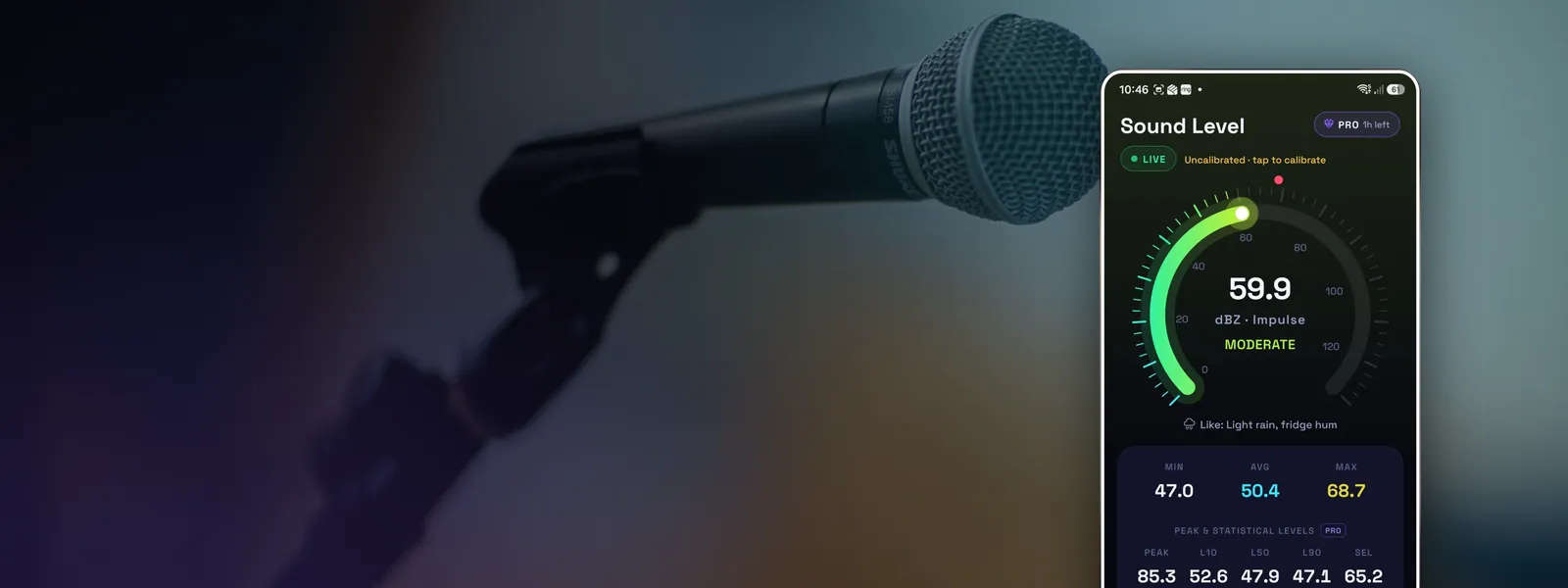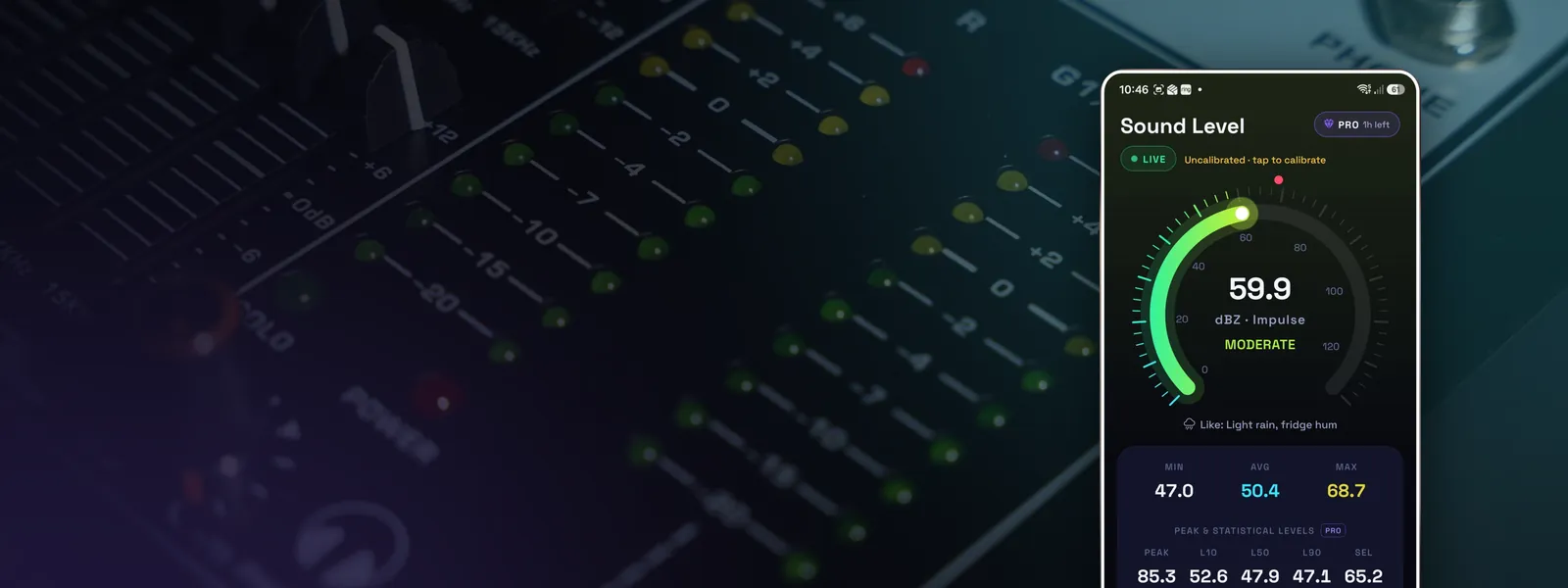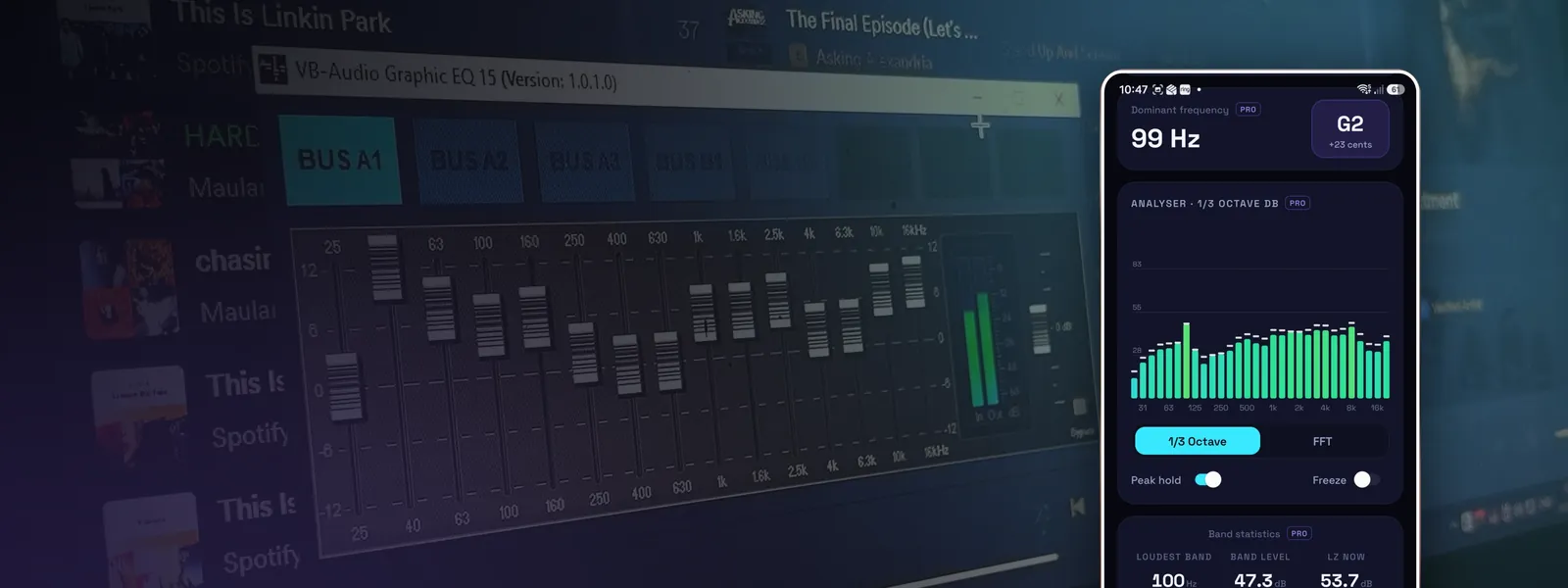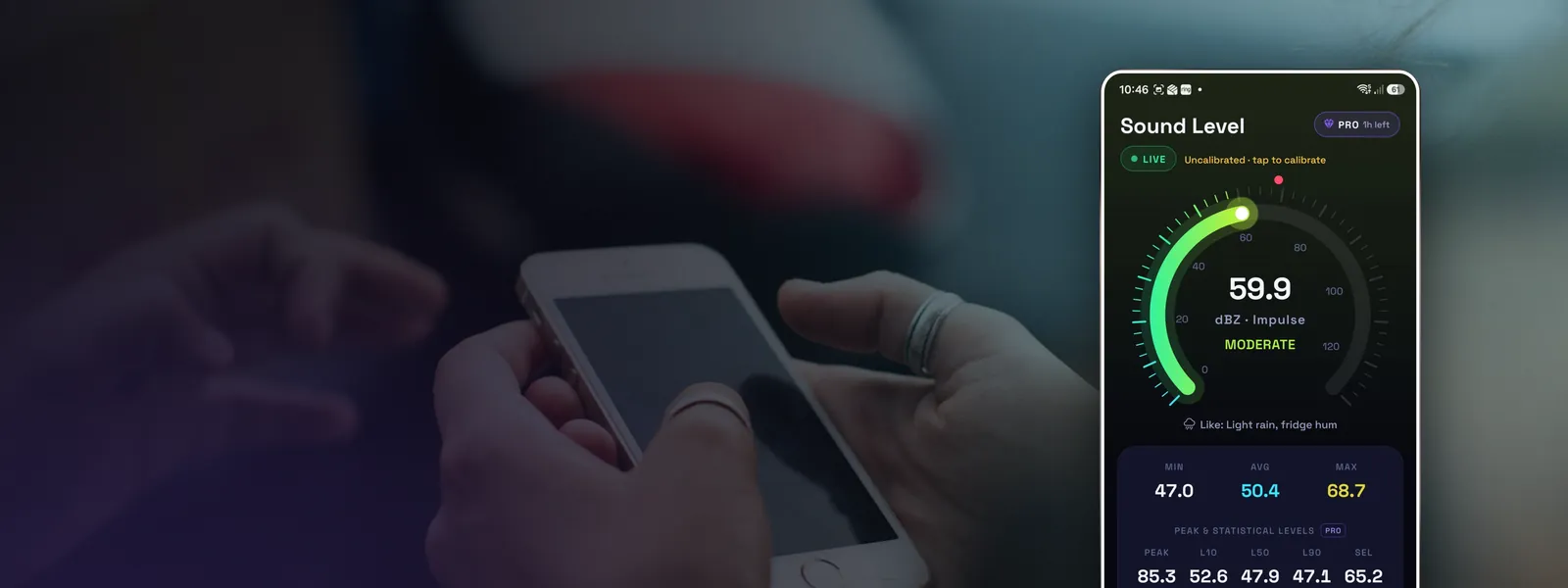
Your phone already has a decent microphone. With the right app and a bit of technique, it can tell you how loud a room, a machine or a gig really is, usually to within a few decibels. Most bad readings come from how the phone is held and read, not from the phone itself.
Here's how to get a number you can trust.
What you need
- A sound level meter app that reads raw microphone audio. Phones process audio for calls: they turn quiet sounds up, loud sounds down and filter out background noise. That's the opposite of what you want for measuring. A good meter app asks for unprocessed audio and applies proper weighting itself. See are decibel meter apps accurate? for why this matters.
- A few minutes without interruptions. Notifications, calls and handling noise all spoil a measurement.
Step by step
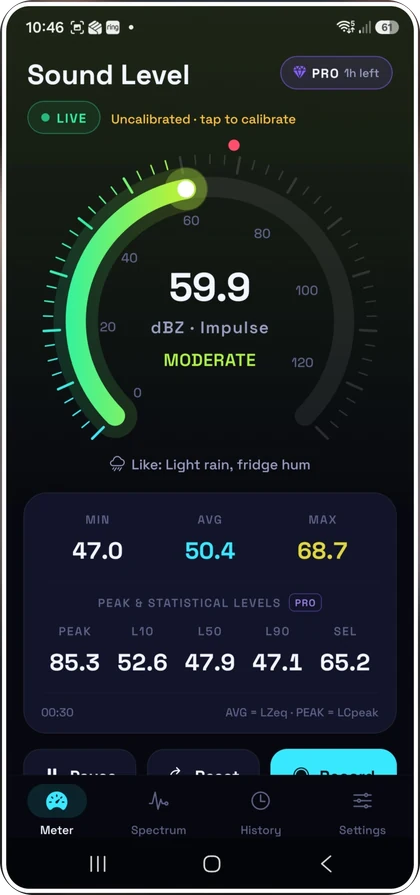
- Pick dB(A) and Fast. A-weighting matches how loud sound seems to people and is what hearing guidance and most noise rules use. Fast time weighting (125 ms) follows changes quickly. If you're measuring bass-heavy music, dB(C) is also worth a look. dBA vs dBC vs dBZ explains the difference.
- Find the microphone. On most Android phones the main microphone is a small hole on the bottom edge. Keep fingers, cases and pockets away from it.
- Hold the phone where your ears would be. If you want to know what a person hears, measure at head height where they sit or stand. Hold it at arm's length so your body doesn't block or reflect sound, with the bottom edge pointing loosely towards the source.
- Keep still and quiet. Moving the phone, tapping the screen or talking will show up as spikes.
- Measure for long enough. For a steady sound, 30 seconds is plenty. For something that comes and goes, like traffic or a neighbour's music, measure for several minutes or record a session.
- Read the average, not the peak. The figure to quote is the average level over the measurement, called Leq (equivalent continuous level). The max is useful too, but on its own it overstates how loud things usually are.
Mistakes that skew readings
- Wind. Even a light breeze across the microphone can add 10 to 20 dB of rumble. Outdoors, stand in the lee of a wall or wait for a calm moment. A small foam windshield helps a lot.
- Thick or rugged cases. Some cases partly cover the microphone port. Take it off if you're unsure.
- Measuring too close. Right next to a speaker or machine, small movements make big differences. Pick a sensible, repeatable distance and note it down.
- Very quiet rooms. Below about 30 dB, a phone microphone mostly measures its own electrical noise. If your quiet bedroom won't read lower than the high 20s or low 30s, that's the phone's floor, not the room.
- Very loud sound. At somewhere between about 110 and 130 dB, depending on the phone, the microphone overloads and the reading stops climbing. A good app warns you when this happens.
- Background noise. If you're measuring one source, check the level with it switched off first. If the background is within 10 dB of the source, it's affecting your reading.
Recording a measurement
For anything you might need to show someone, such as a landlord, a council or your employer, take a recording rather than a screenshot. A recording gives you the average, the max, a timeline and how long the noise lasted, which is far more convincing than one number. Note the date, time, where you stood and what the source was.
Want it more accurate?
Every phone microphone is slightly different. If you have access to a calibrated sound level meter, or a sound source with a known level, you can calibrate your app against it and bring readings to within about 1 dB. How to calibrate a decibel meter app walks through it.
If you only need a quick reading on a laptop or tablet, our online decibel meter works in a browser. It's rougher than an app because browsers don't know your microphone's sensitivity.