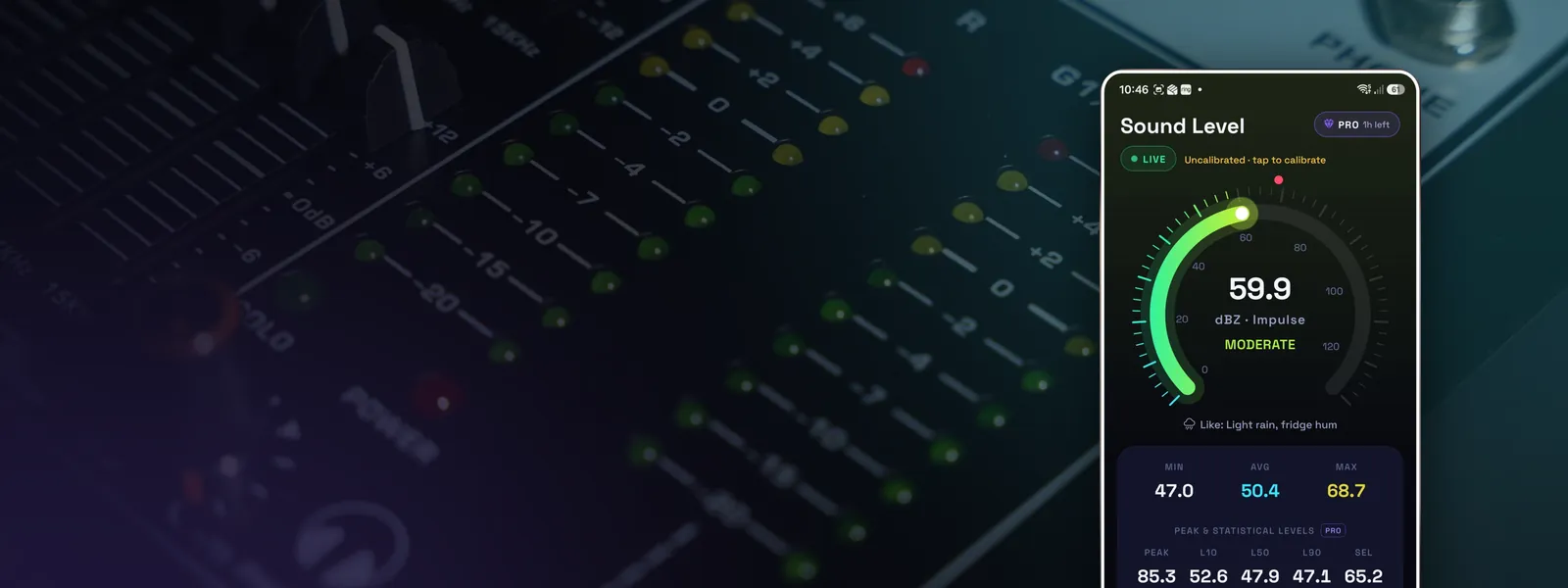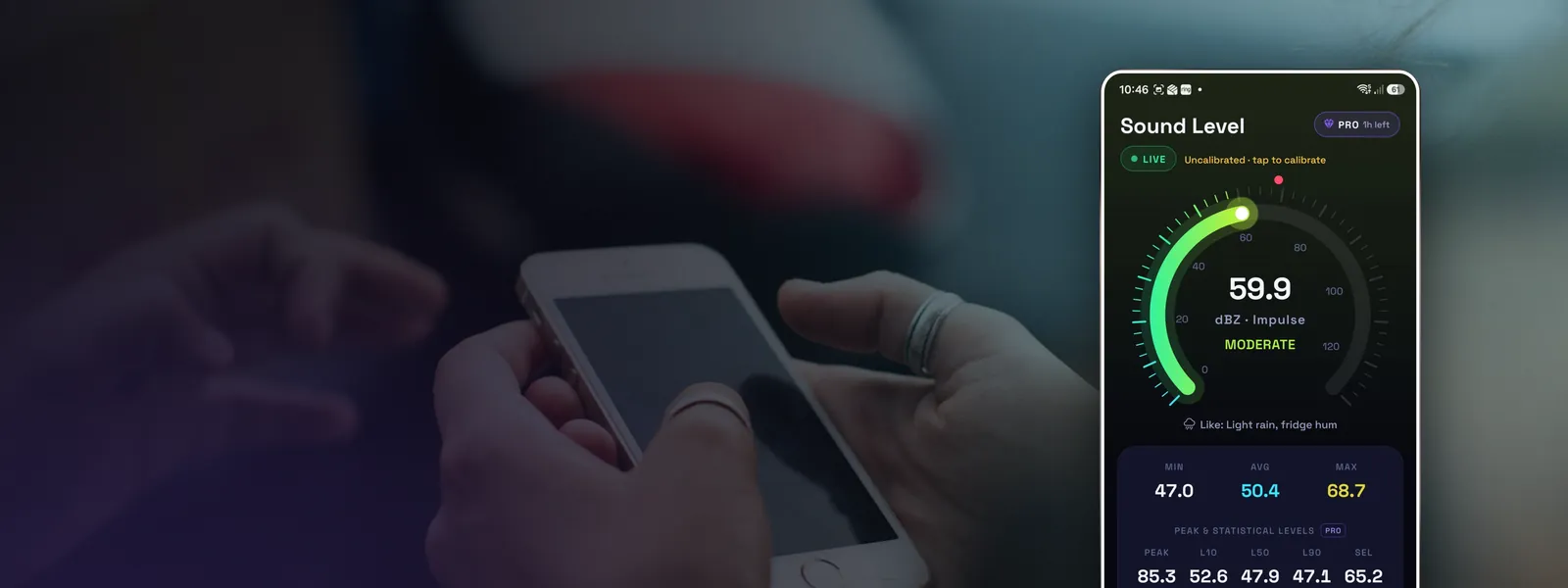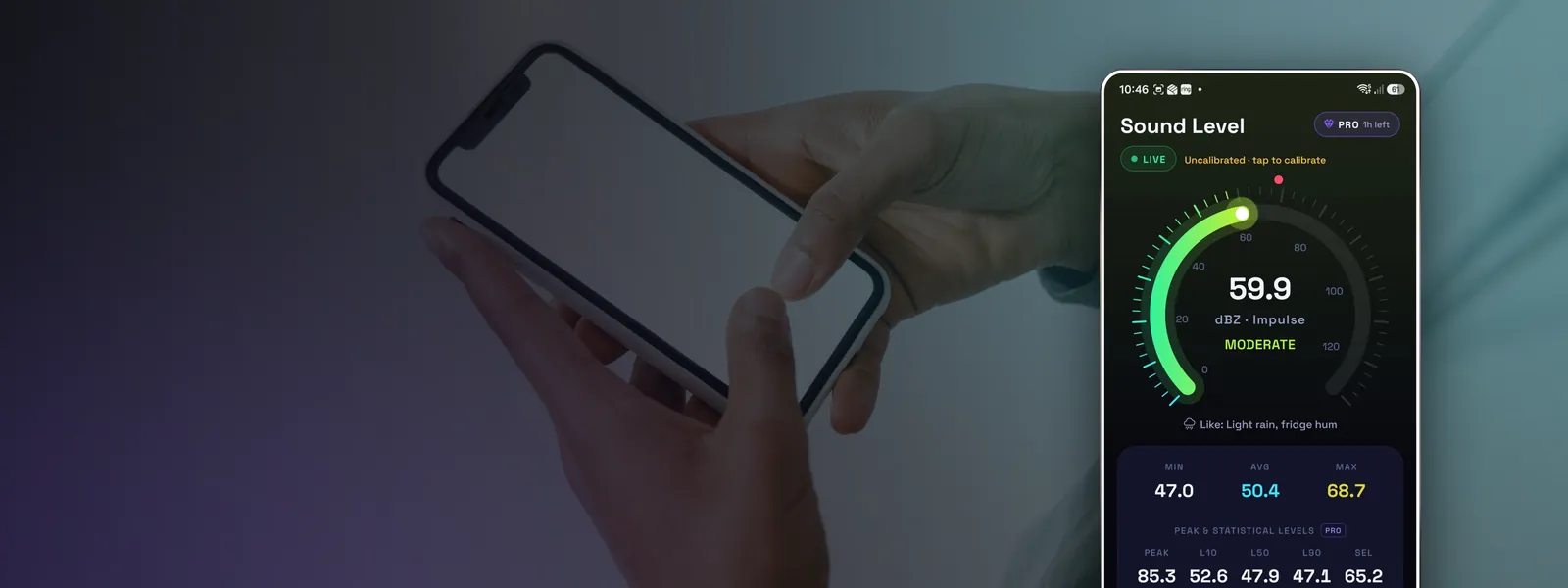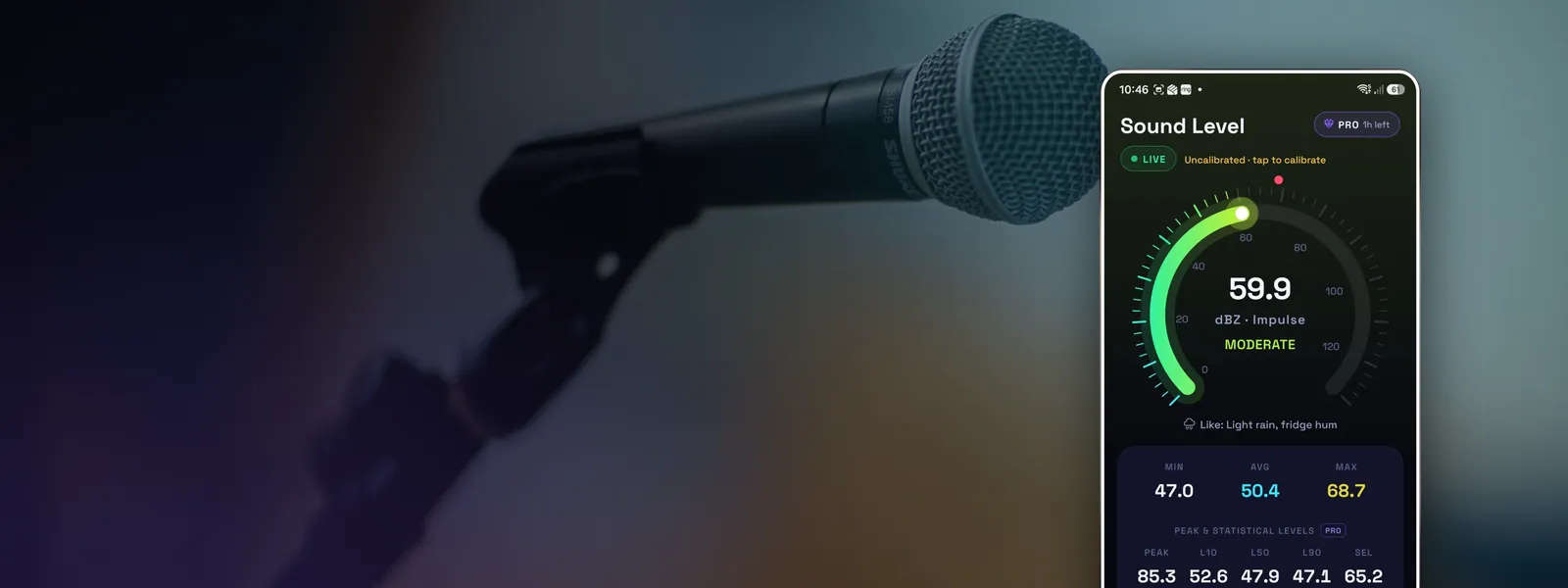
Short answer: a well-built app on a decent phone is usually accurate to within 2 to 5 dB for everyday sound levels, and to about 1 dB once calibrated. That's good enough to know whether a room is quiet, a machine is loud or a gig is putting your hearing at risk. It isn't good enough for legal evidence or a formal workplace noise assessment.
The longer answer depends on how the app measures, what phone you have and what you're measuring.
What the research found
When researchers at the US National Institute for Occupational Safety and Health (NIOSH) tested a range of smartphone sound apps against a professional meter in 2014, the results were mixed. The best apps came within about 2 dB(A) of the reference meter across a wide range of noise levels. Many others were well off, by 5, 10 or more decibels, and some barely responded to changes in level at all.
The difference wasn't mainly the phones. It was how the apps handled the microphone.
Why many sound meter apps drift
A phone's audio system is designed for calls and voice assistants. By default it applies:
- Automatic gain control, which turns quiet sounds up and loud sounds down so your voice stays at a steady volume.
- Noise suppression, which tries to remove "background" sound, often exactly the noise you're trying to measure.
- Echo cancellation and other filtering.
An app that measures through that processed audio path will read too high in quiet rooms, too low in loud ones, and wander about as the processing adapts. It can look plausible while being quite wrong.
A better approach is to ask Android for unprocessed or voice recognition audio, which switches the processing off, and then apply the frequency and time weighting defined in the sound level meter standard, IEC 61672, in the app itself. Android's compatibility rules also tell manufacturers how sensitive the microphone should be on those audio sources, which gives a sensible starting calibration.
What still affects accuracy
Even with raw audio, a phone is not a laboratory instrument.
| Factor | Effect |
|---|---|
| Microphone variation between models | Typically a few dB of offset; fixed by calibration |
| Very low frequencies | Phone mics roll off below roughly 50 to 100 Hz, so deep rumble reads low |
| Quiet rooms (below about 30 dB) | The mic's own noise floor sets a minimum reading |
| Very loud sound (about 110 to 130 dB) | The mic or its electronics overload; readings stop rising |
| Cases, fingers, pockets | Can block the port and cut the level, especially high frequencies |
| Wind | Adds large false readings outdoors |
| Holding position | Your body reflects and shields sound; hold the phone away from you |
How to get the most accurate readings
- Use an app that reads raw microphone audio and lets you choose A, C or Z weighting.
- Calibrate it once if you can. A borrowed sound level meter or a known reference source is enough. See how to calibrate a decibel meter app.
- Measure with good technique: steady, at ear height, away from your body, out of the wind. How to measure decibels with your phone has the full checklist.
- Use the average (Leq) over a sensible period, not a single moment.
- Pay attention to over-range warnings at very high levels.
When a phone is good enough, and when it isn't
A phone is fine for: checking whether a nursery, bedroom or office is quiet enough; finding out if a concert, gym class or power tool is loud enough to need hearing protection; comparing before-and-after soundproofing; keeping a personal log of noise from a road, a building site or neighbours; school science projects.
Use a certified meter for: workplace noise assessments that employers must do by law; evidence in a planning appeal, licensing hearing or court case; checking compliance with a noise condition or limit; acoustic testing of buildings. Those call for a Class 1 or Class 2 sound level meter that's been calibrated in a lab, usually used by a qualified acoustician.
Your phone recording is still worth having in those situations. It shows when the problem happens and roughly how bad it is, which helps a council or acoustician decide where and when to measure properly. See how to measure noisy neighbours.