Search the Play Store for "decibel meter" or "sound meter" and you'll find hundreds of apps. Most look similar: a dial and a number. The differences that matter are under the surface, in how they read the microphone and what they do with the numbers. Here's what to look for, so you can judge any app, including ours.
1. It reads raw microphone audio
This is the big one. Phones process audio for calls: automatic gain control evens out the volume and noise suppression removes background sound. An app measuring through that processing will read high in quiet rooms, low in loud ones and drift as the processing adapts.
A serious meter app asks Android for unprocessed (or voice recognition) audio with that processing switched off. If an app doesn't mention how it captures audio, be cautious. More detail in are decibel meter apps accurate?
2. Proper weighting, not just a number
Look for dB(A) at minimum, ideally with C and Z weighting too, and Fast and Slow time weighting. These are defined in IEC 61672, the standard for sound level meters. An app that just shows "dB" with no weighting isn't telling you what it's measuring. See dBA vs dBC vs dBZ.
3. Leq, not just min and max
The single most useful figure for any real-world noise is the average over time (Leq). Min and max on their own are misleading, because one door slam sets the max. Better apps add peak (LCpeak) and percentiles like L10 and L90, which acousticians use for background and intrusive noise. See Leq, L10, L90 and SEL explained.
4. Calibration
Every phone microphone is slightly different. A good app starts with a sensible default, ideally based on Android's published microphone specification, and lets you adjust it or match it to a reference meter. See how to calibrate a decibel meter app.
5. Honest about its limits
Phone microphones can't measure very quiet rooms (below about 30 dB) and overload at very high levels (somewhere above 110 dB, depending on the phone). A trustworthy app tells you when you've hit those limits, rather than showing a confident wrong number. It also shouldn't claim to be a certified Class 1 or Class 2 meter, because no phone app is.
6. Useful beyond the number
What do you actually want to know? For most people it's "is this safe?" and "can I prove it?". Look for:
- a clear hearing safety verdict and safe listening time;
- recording with a report you can share or export (CSV for spreadsheets);
- a spectrum analyser if you're tracking down a hum or working with music;
- noise dose (NIOSH or OSHA) if you're checking workplace exposure.
Red flags
- Microphone permission plus unrelated permissions like contacts, location or photos. A sound meter needs the microphone, and little else.
- Audio uploaded "for analysis". Sound levels can be worked out on the phone; there's no need for your audio to leave it.
- Readings that never go below 40 dB or jump around wildly in a quiet room. Usually a sign of processed audio.
- Full-screen ads every few seconds that interrupt measuring.
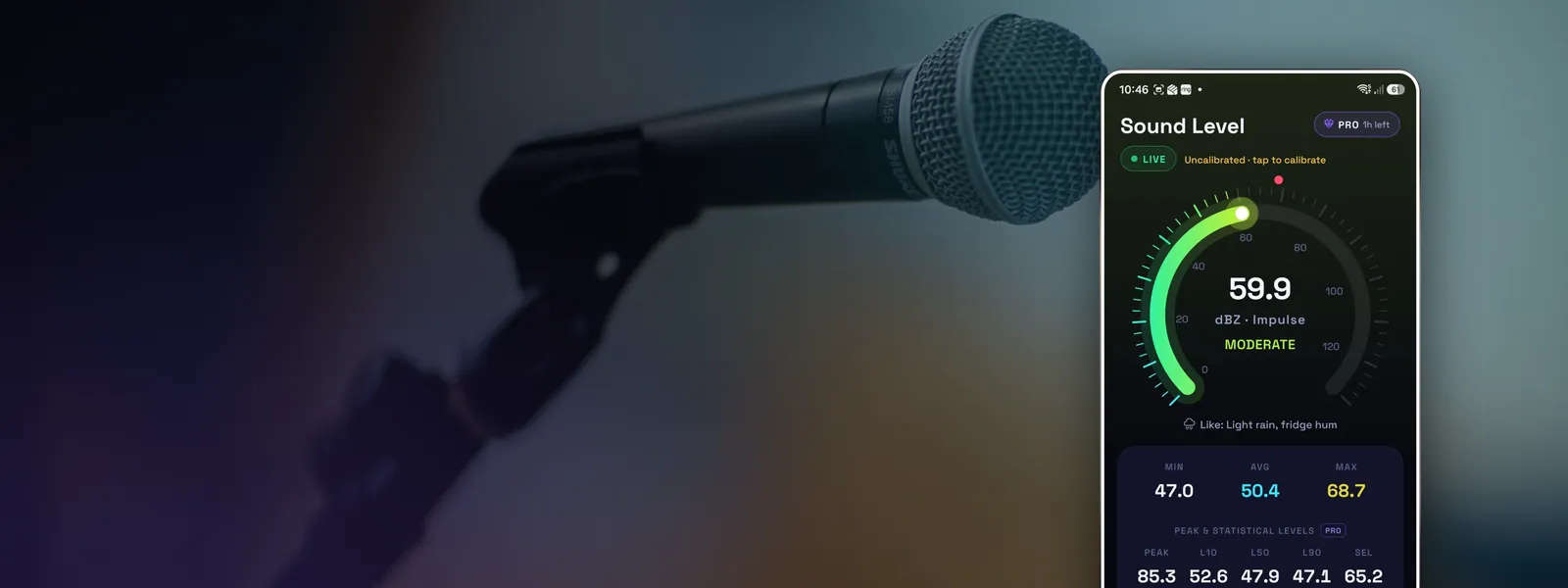
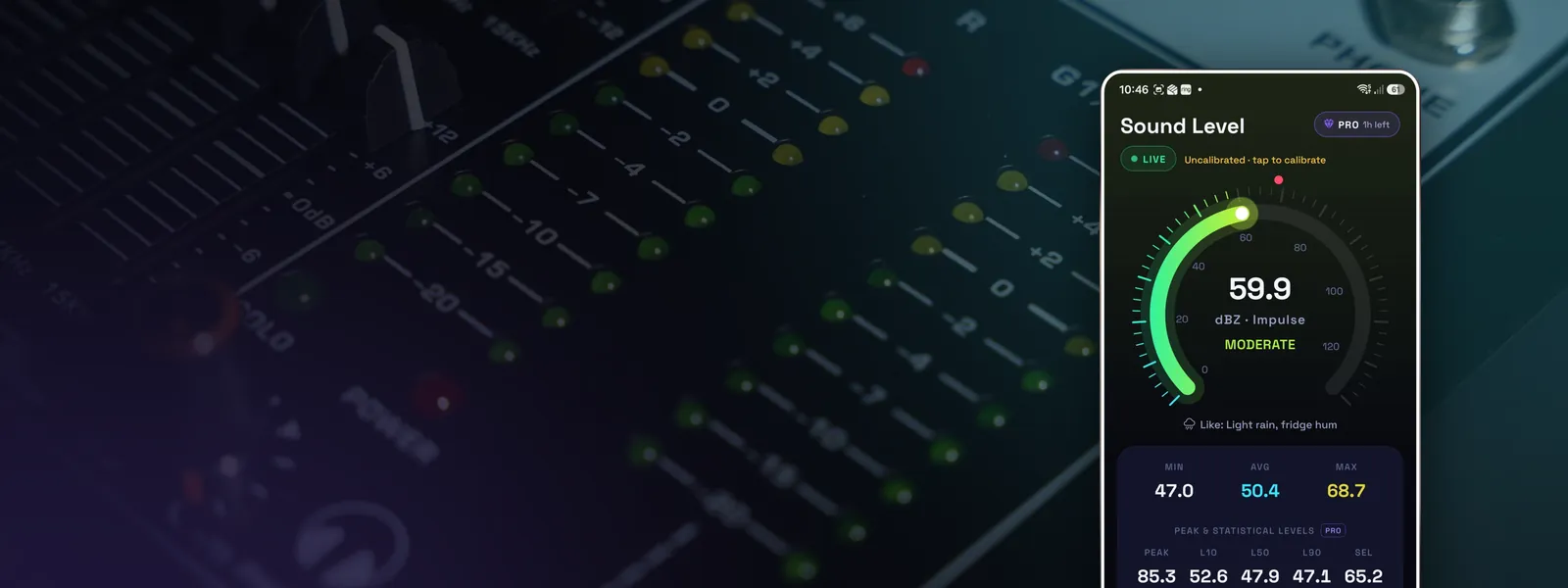
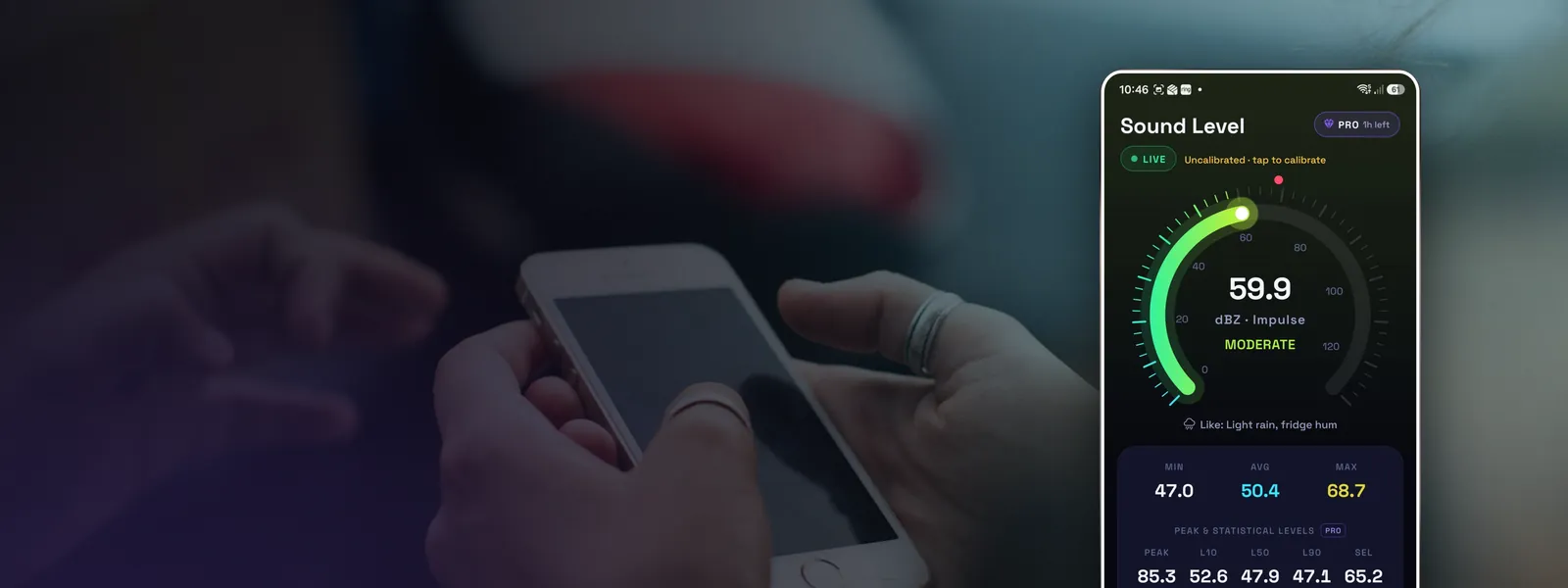
How Decibel Meter measures up
We built Decibel Meter because we kept running into the problems above. Here's what it does:
- Reads raw 48 kHz microphone audio with gain control and noise suppression off.
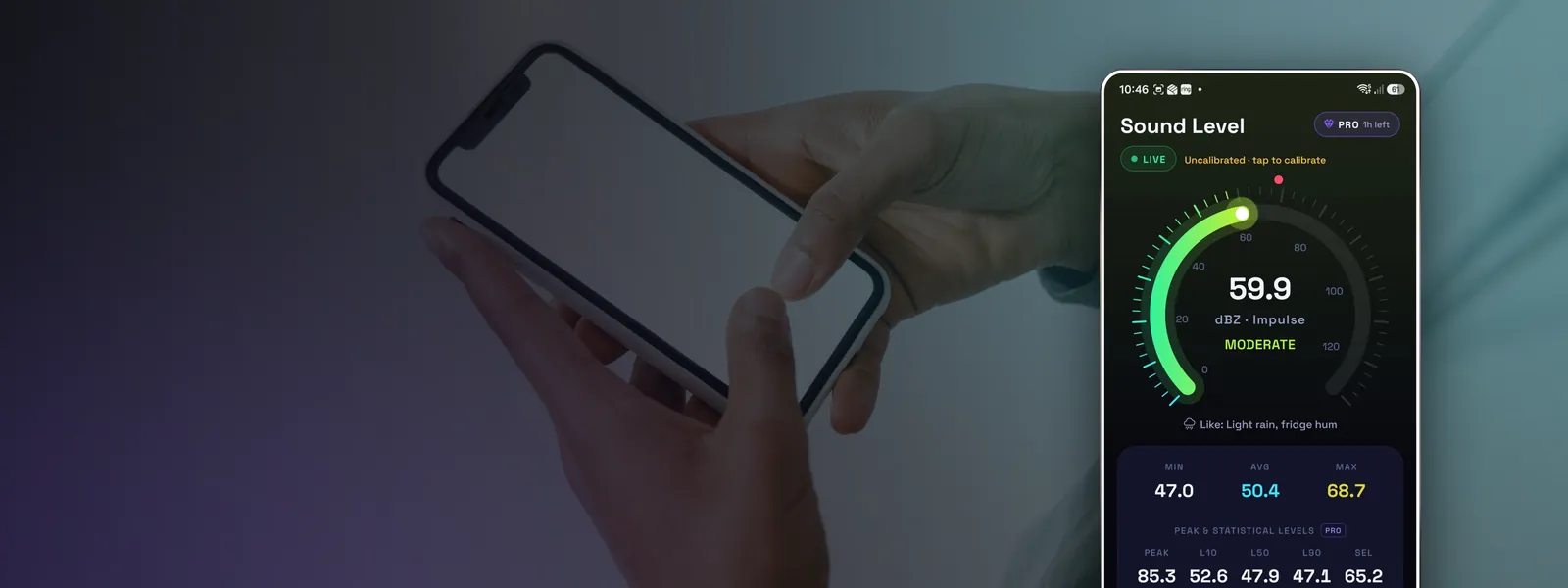
- Applies IEC 61672 A, C and Z frequency weighting and Fast, Slow and Impulse time weighting.
- Shows min, average (Leq) and max, plus LCpeak, L10, L50, L90 and SEL in Pro mode.
- Gives every reading a safe, getting loud or harmful verdict with a safe listening time, following NIOSH guidance.
- Includes a 30-band 1/3-octave analyser and an 8192-point FFT with the dominant frequency and musical note.
- Records sessions of up to an hour with reports, loud-event detection, daily and weekly trends and CSV export.
- Calibrates against a reference meter, and warns when sound is beyond what your microphone can measure.
- Processes audio on the phone only. Nothing is recorded or uploaded, and there's no account.
It's free with ads. The Pro tools unlock for 12 hours when you choose to watch one short ad, and there are no ads while Pro is on.
It's still a phone, though. For legal, medical or workplace compliance measurements, use calibrated professional equipment.